
Keep every market consistently on-brand
Turn your brand guidelines into templates and AI review rules. Local teams create within those rules, while HQ sees how each market stays on-brand.

Create AI-reviewed, brand-aligned content with locked templates, approved assets, and workspace-level rules.
AI checks will appear here after upload.
Text-background contrast must meet WCAG AA 4.5:1.
Key content elements must stay within the Safe Area.
Why Rectiva
Move brand rules out of documents and into the workflow.
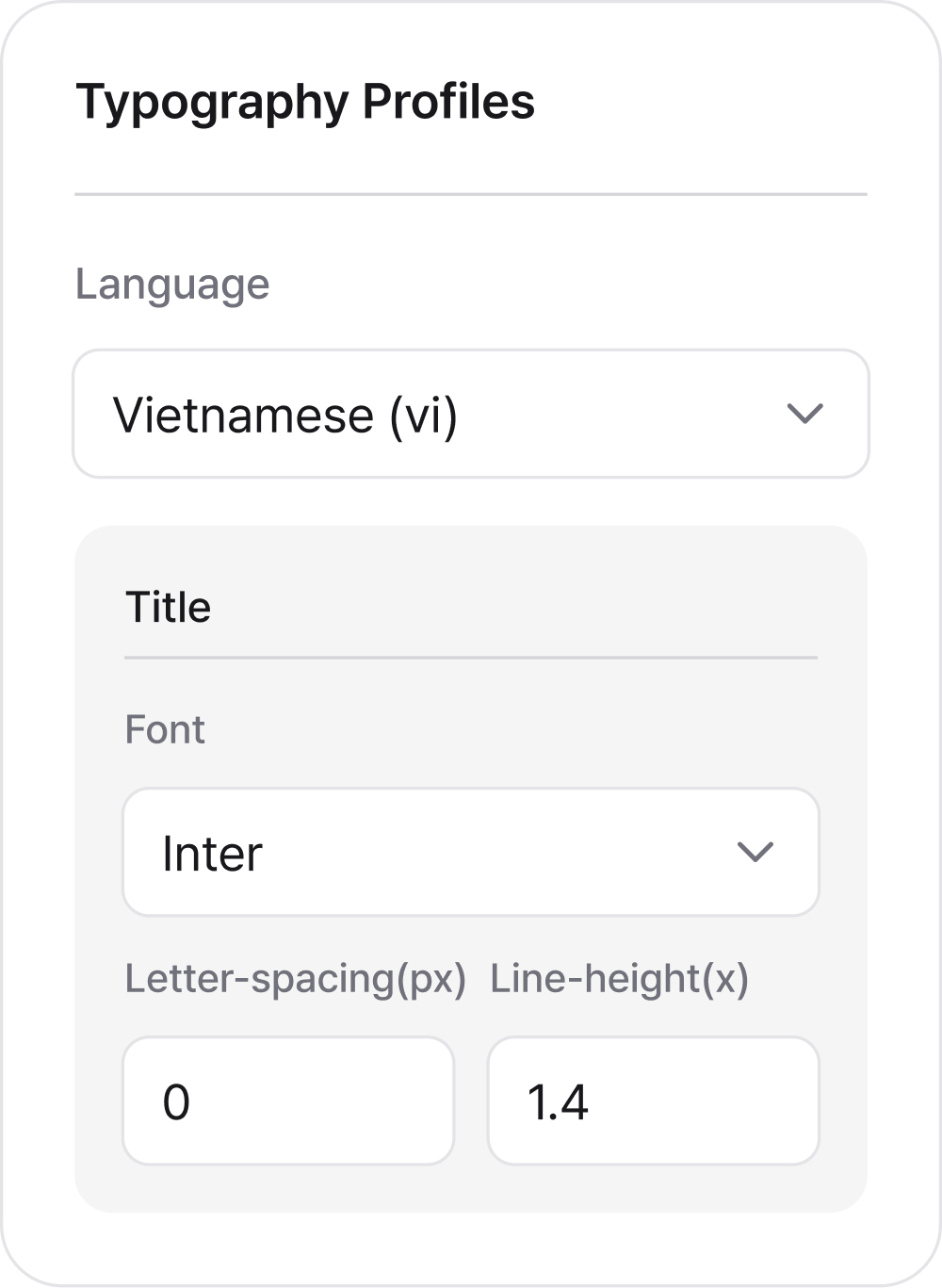
One system, every market
Set up markets, roles, typography, and approved assets in one shared workspace.
Countries · Roles · Typography

Create AI-reviewed, brand-aligned content with locked templates, approved assets, and workspace-level rules.
General text should not be written entirely in uppercase.
Use sentence case for general text instead of all caps.
Catch issues before export
AI checks each creative, flags warnings, and requires explicit sign-off before a critical issue can be exported.
Critical · Warning · Passed

Local flexibility, brand control
Local teams update content while locked elements keep the brand intact.
Locked elements · Presets · Safe areas
How it works
From HQ setup to local execution and market visibility.
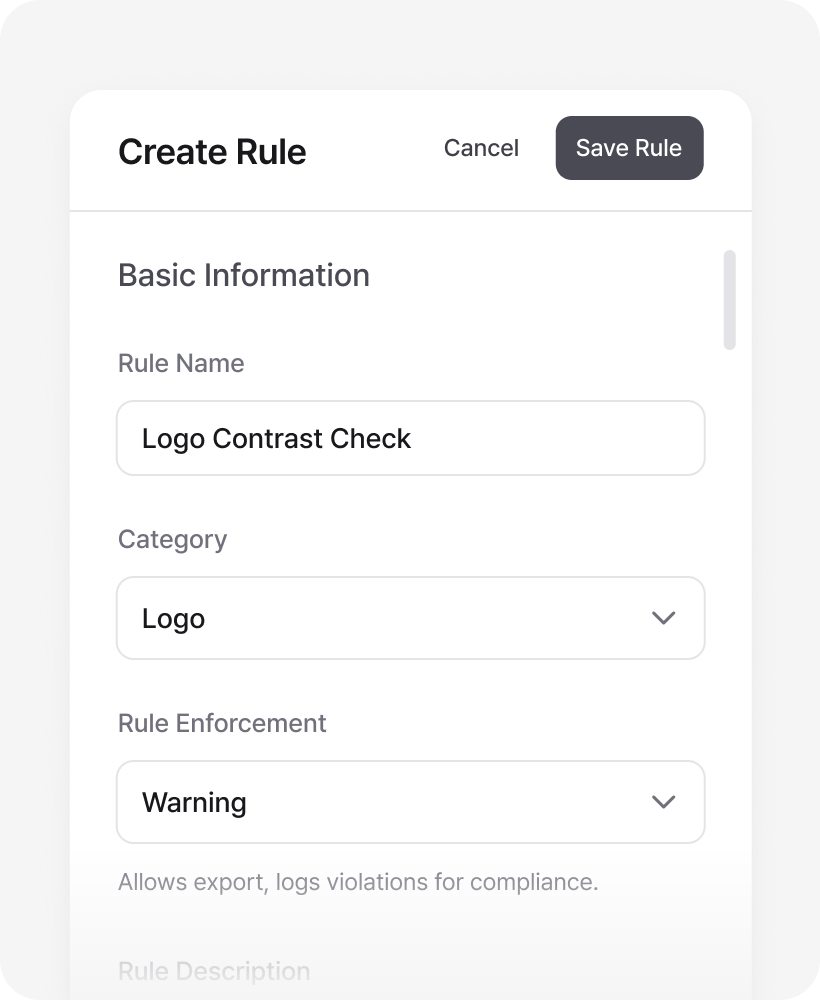
Define your brand system
Turn your guidelines into approved assets, channel templates, and AI rules.
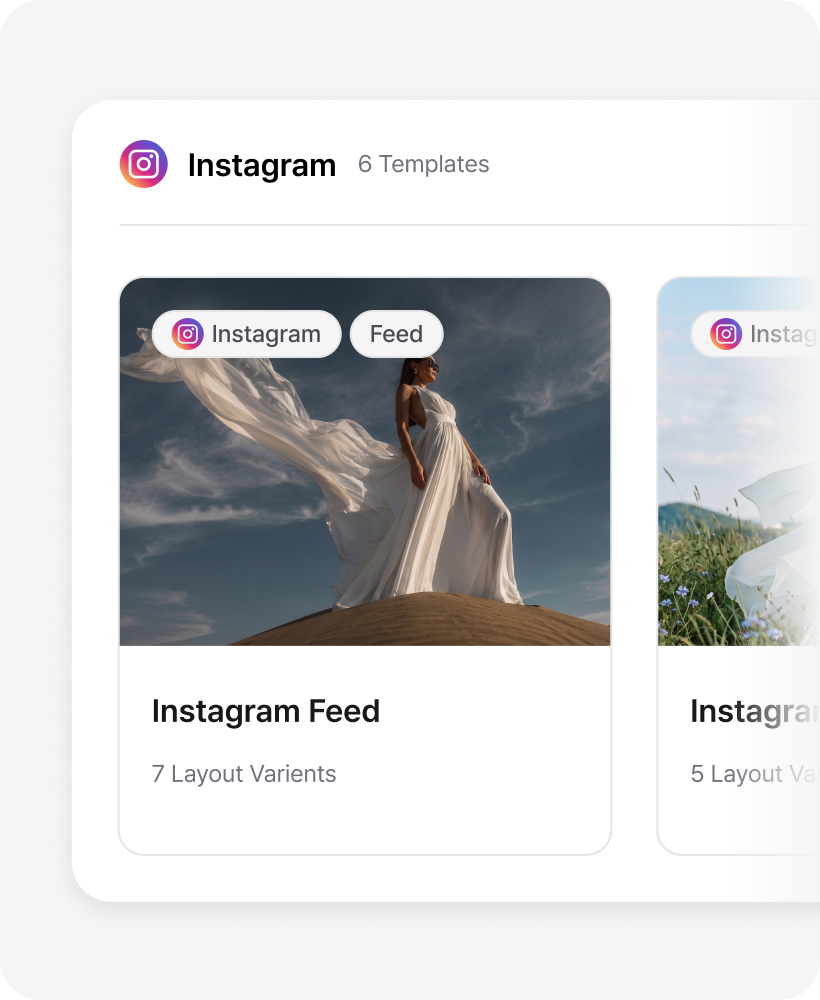
Let local teams create
Editors choose a template, add local content, and work within the rules set by HQ.
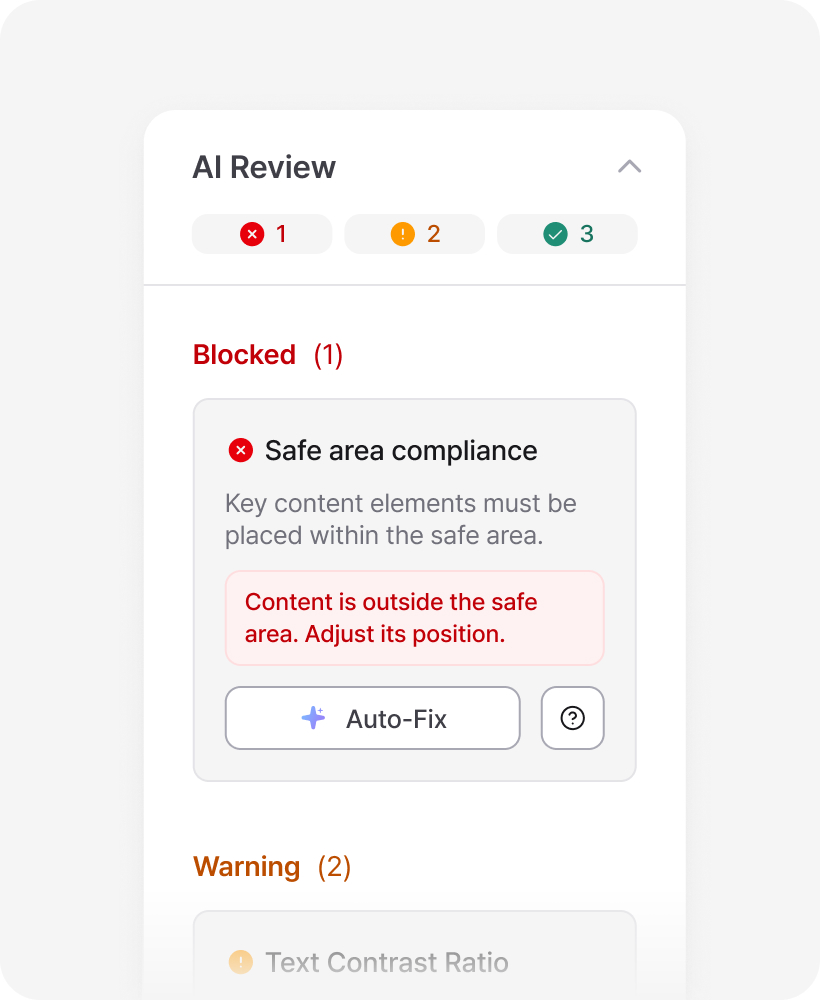
Review before export
AI checks each creative against active rules and shows Critical, Warning, or Passed results.
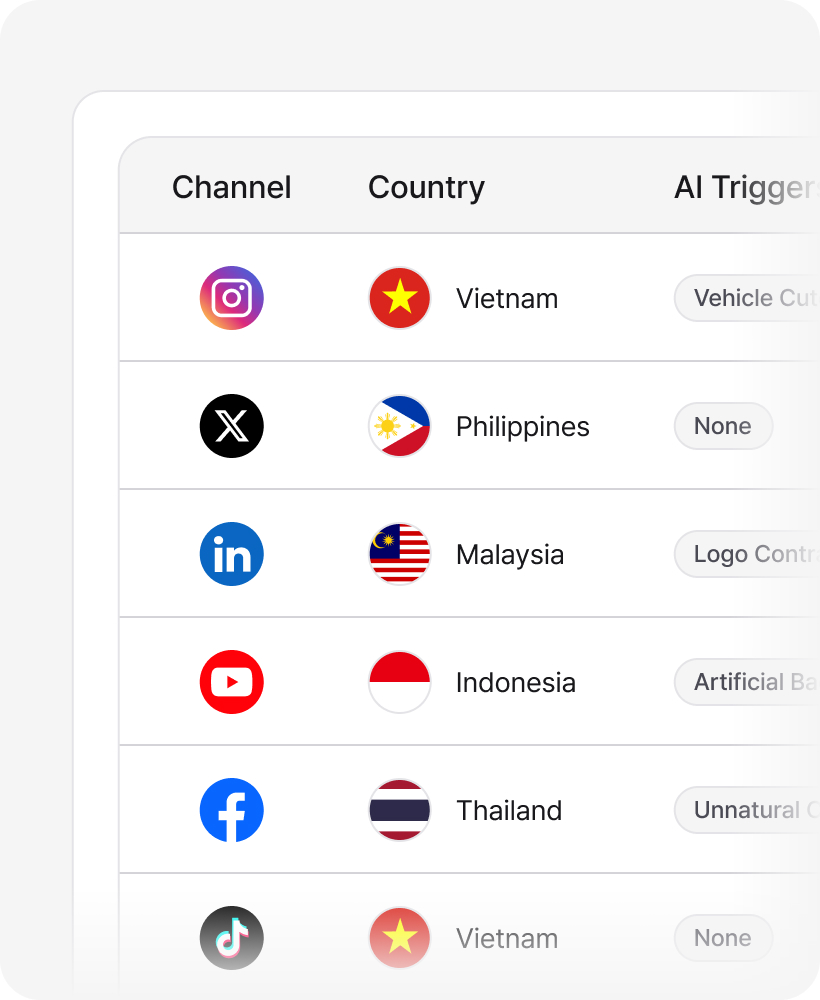
Monitor across markets
Track exports, compliance scores, and overrides by country and channel. See where exceptions happen.
How it works
From HQ setup to local execution and market visibility.
Define your brand system
Turn your guidelines into approved assets, channel templates, and AI rules.
Let local teams create
Editors choose a template, add local content, and work within the rules set by HQ.
Review before export
AI checks each creative against active rules and shows Critical, Warning, or Passed results.
Monitor across markets
Track exports, compliance scores, and overrides by country and channel. See where exceptions happen.
FAQ
Rectiva is a brand governance and creation platform for global teams. HQ turns brand guidelines into templates, approved assets, and AI review rules that local teams can use while creating content.
Rectiva is built for HQ brand and compliance teams managing execution across markets, and the local designers and marketers who create the content.
Rectiva checks each creative against active brand rules and returns Critical, Warning, or Passed results. Critical issues require explicit confirmation before export, and overrides are logged. Common issues can be auto-fixed in one click.
All features are available. Each workspace includes up to 4 members (Super admin 1, Regional Admin 1, Editor 2) and 100 AI reviews per month during the beta.
We’ll announce pricing before the beta period ends. Your workspace, projects, assets, and rules will remain available unless you choose to delete them.
Yes. Each customer works in an isolated workspace. Brand assets, templates, rules, and content logs are separated by company.
Create a workspace, add your operating countries, and invite Regional Admins or Editors by email. Each member joins with the role and country access you assign.
Rectiva supports Instagram, Facebook, X, YouTube, LinkedIn, and TikTok, with channel-specific presets for feed, story, reel, carousel, cover, and thumbnail formats.
Ready to keep
every market on-brand?
Create your workspace, set your brand rules,
and start building AI-reviewed content with your team.
Free during beta · All features · No credit card required