Creating a Project (Editor / Regional Admin)
A project is one piece of content you create from a template. Every project starts by choosing a template.
Choose a template
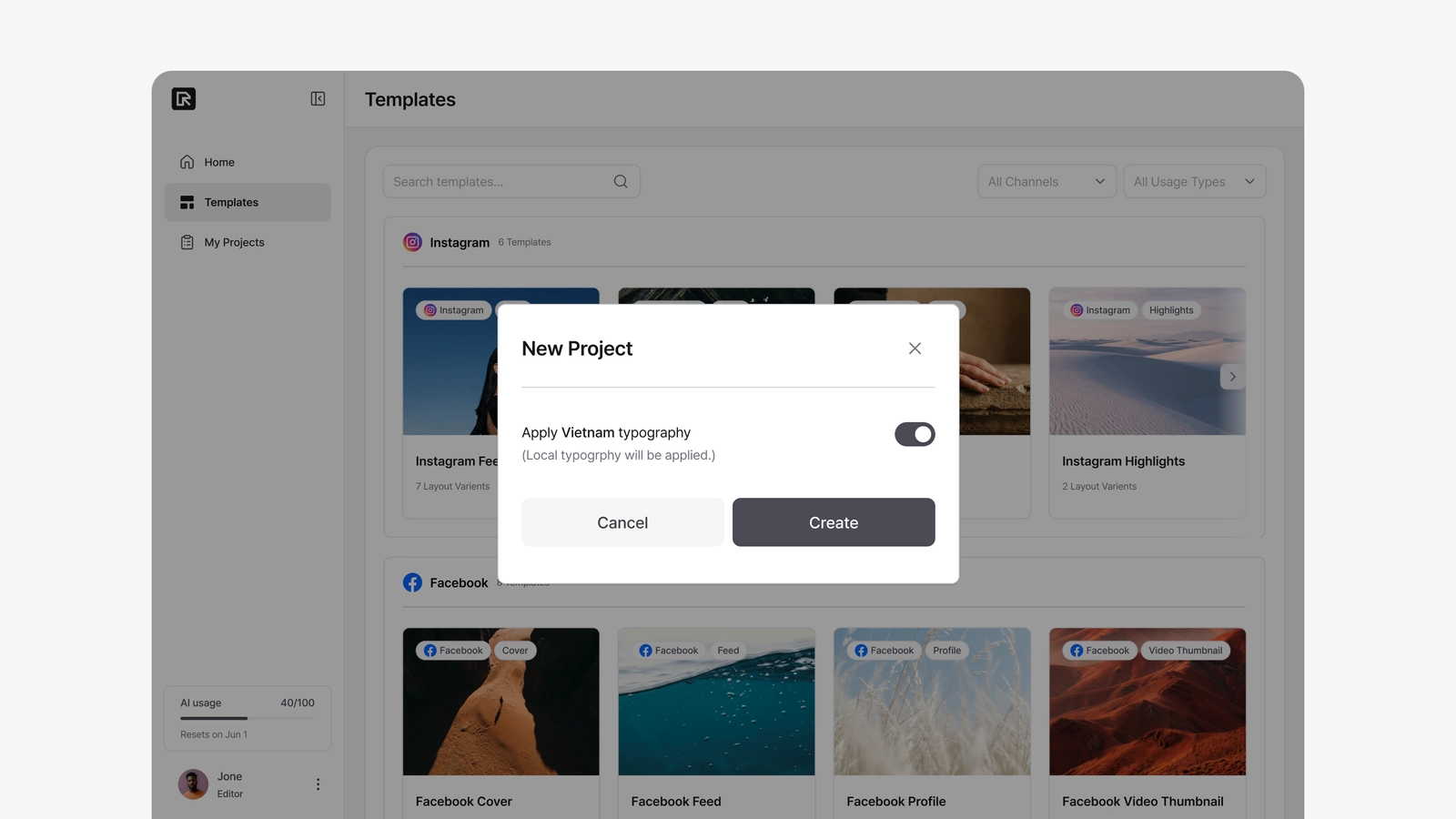
Go to Templates (/editor/templates). Templates are grouped by channel. Click the one you want, and the New Project dialog opens.
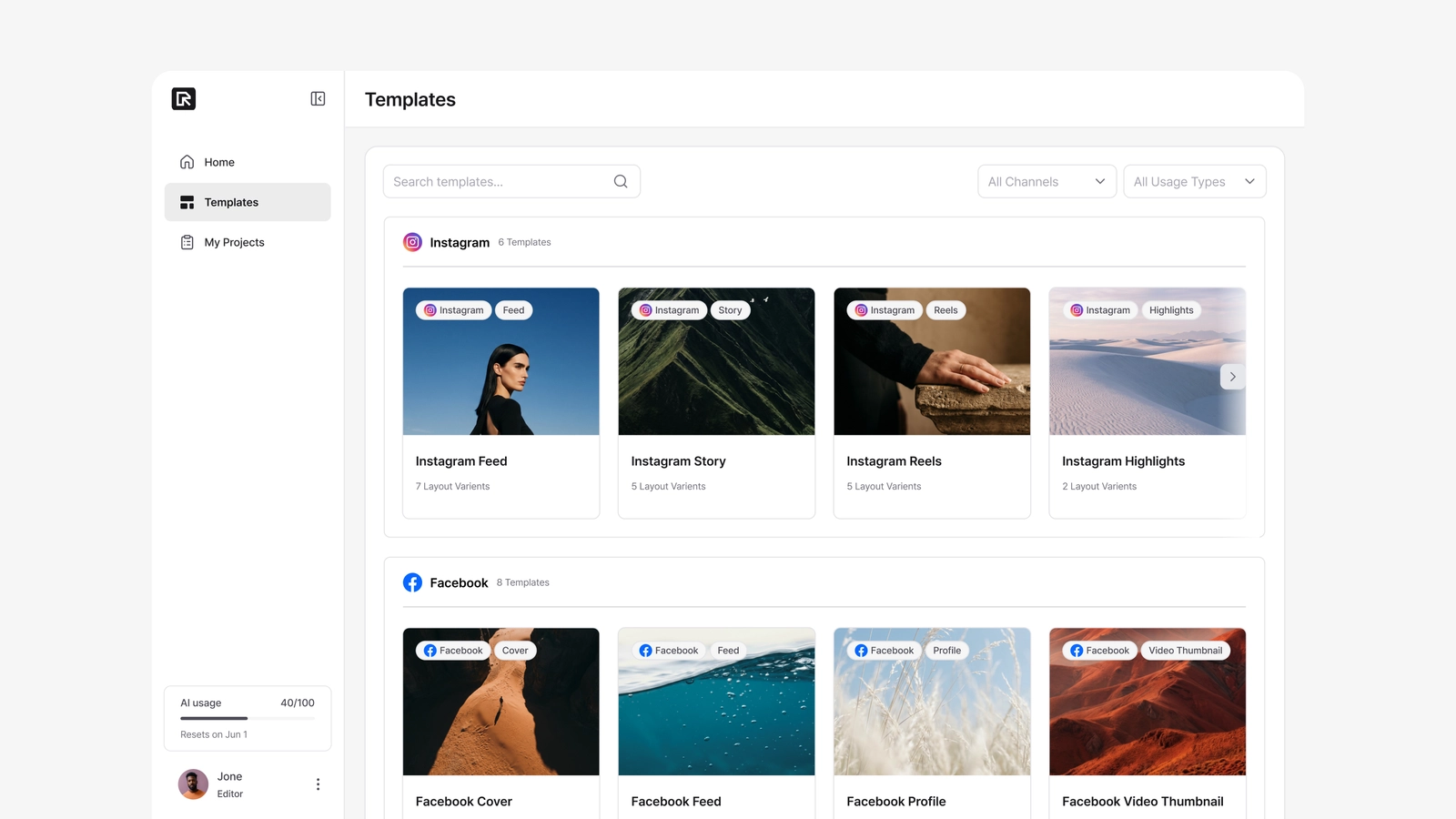
The "Apply local typography" toggle
When you create the project, you may see a toggle to apply your country's local typography. It appears when all three of these are true:
- Your account has a country set,
- Your company has a typography profile connected to that country, and
- The template has text marked as Local Language.
| Toggle | What it does |
|---|---|
| On (default) | Local-language text starts with your country's tuned line-height and letter-spacing. |
| Off | English defaults are used instead. |
If the toggle doesn't appear, one of the three conditions isn't met — usually the template has no local-language text. The project is created with English defaults.
Click Create to enter the editor.