What is Rectiva
Rectiva is an AI-assisted brand content tool. Your headquarters defines the brand rules once, and local teams create on-brand content within them — with an AI reviewer checking each export against your brand guidelines.
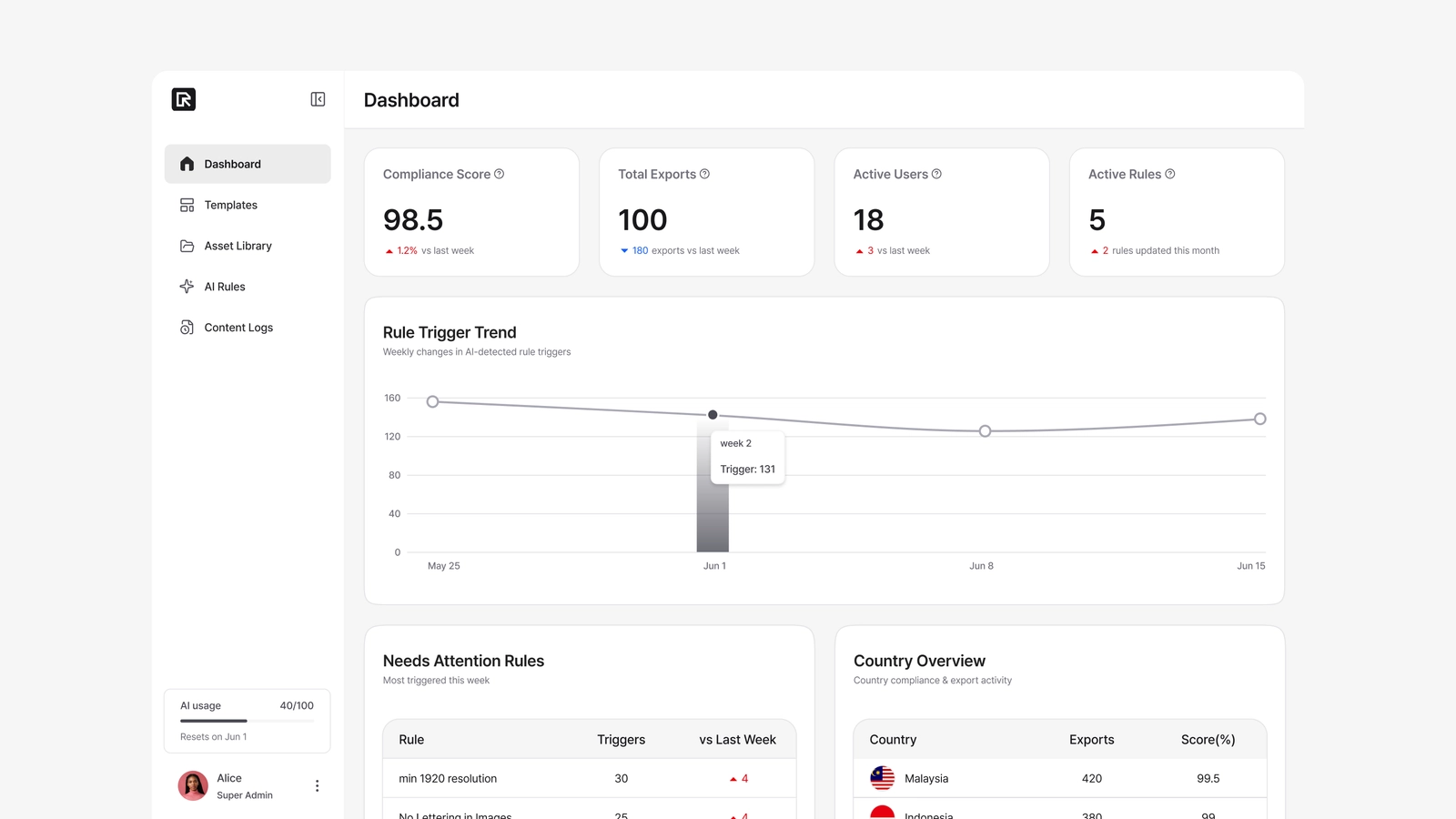
The problem it solves
Global brand guidelines exist, but local teams across different countries often can't follow them consistently while producing content. Even when compliance is scored and tracked, the same issues keep coming back — logo sizing, typefaces, visual style. The guidelines live in a document that's hard to apply at the moment of creation, so core design elements end up varying from market to market.
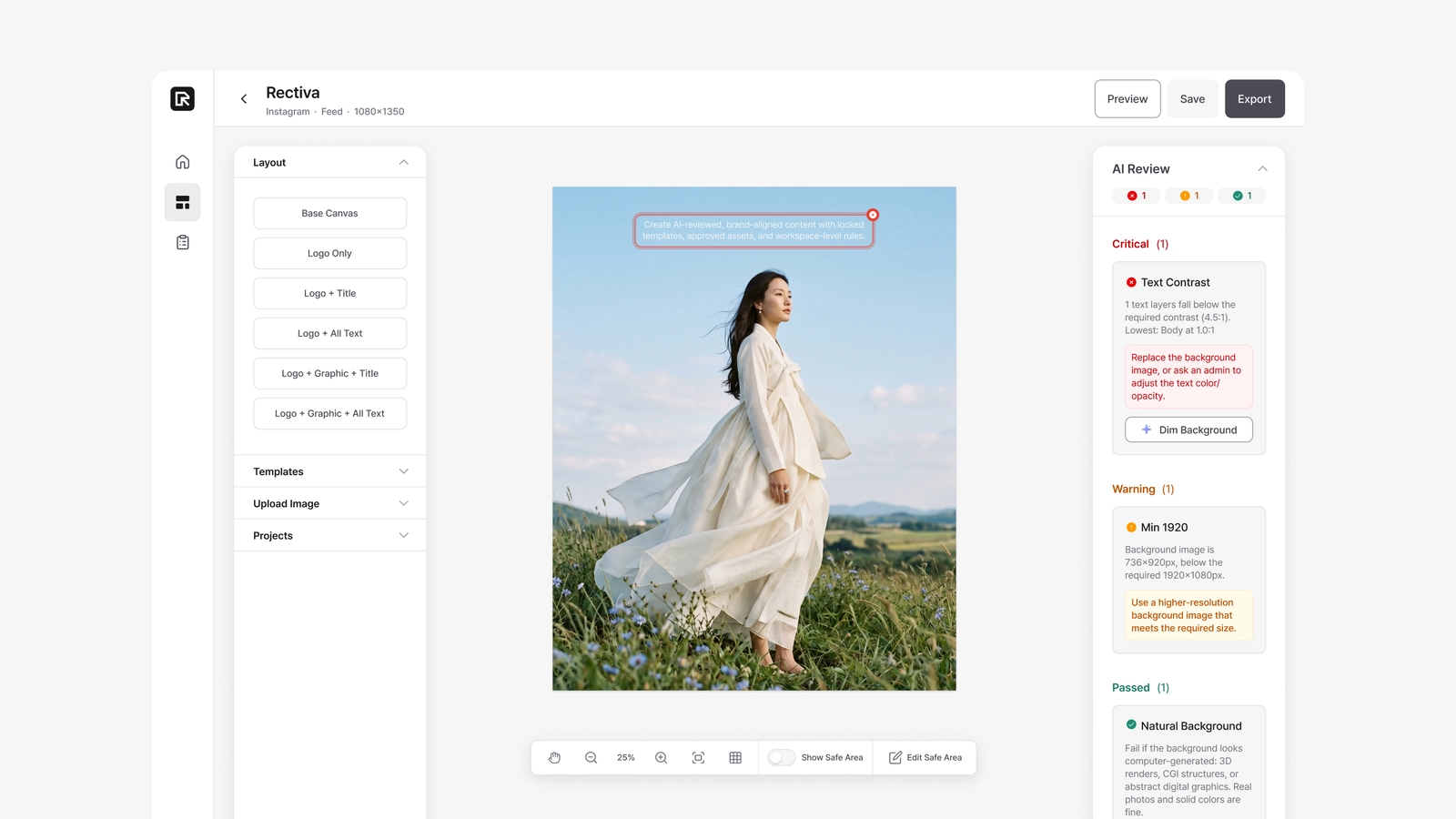
Rectiva closes that gap. It checks for off-guideline logo and type usage (such as font size and weight) and imagery that doesn't fit the brand. The parts that must never change — logo, titles, legal text, safe areas — are locked, and the parts that need judgment — imagery, contrast, layout — are reviewed by AI.
The three roles
Rectiva has three roles. Which guide you read depends on which one you are.
| Role | Who it is | What they do |
|---|---|---|
| Super Admin (SA) | Brand / HQ manager | Sets everything up: brand assets, AI rules, typography, and templates. The control tower. |
| Regional Admin (RA) | Country / regional lead | Creates content like an Editor, and can also view every project in their country (read-only) to review the team's work. |
| Editor | Local designer / marketer | Picks a template, creates a project, edits it, and exports — within the rules the Super Admin defined. |
Each company has its own isolated workspace. You only ever see your own company's templates, assets, rules, and logs.
How a finished piece of content happens
A quick overview of the whole flow:
- A Super Admin uploads brand assets, writes AI rules, sets up typography, and builds templates.
- An Editor opens a template, creates a project, and edits the text and imagery.
- AI Review checks the work against the Super Admin's rules.
- The Editor exports. Anything that violated a Critical rule is confirmed and logged for HQ review.
- Super Admins and Regional Admins monitor brand quality through the dashboard and content logs.
If you're setting up a new workspace, start with Accounts & your team, then follow The setup order.